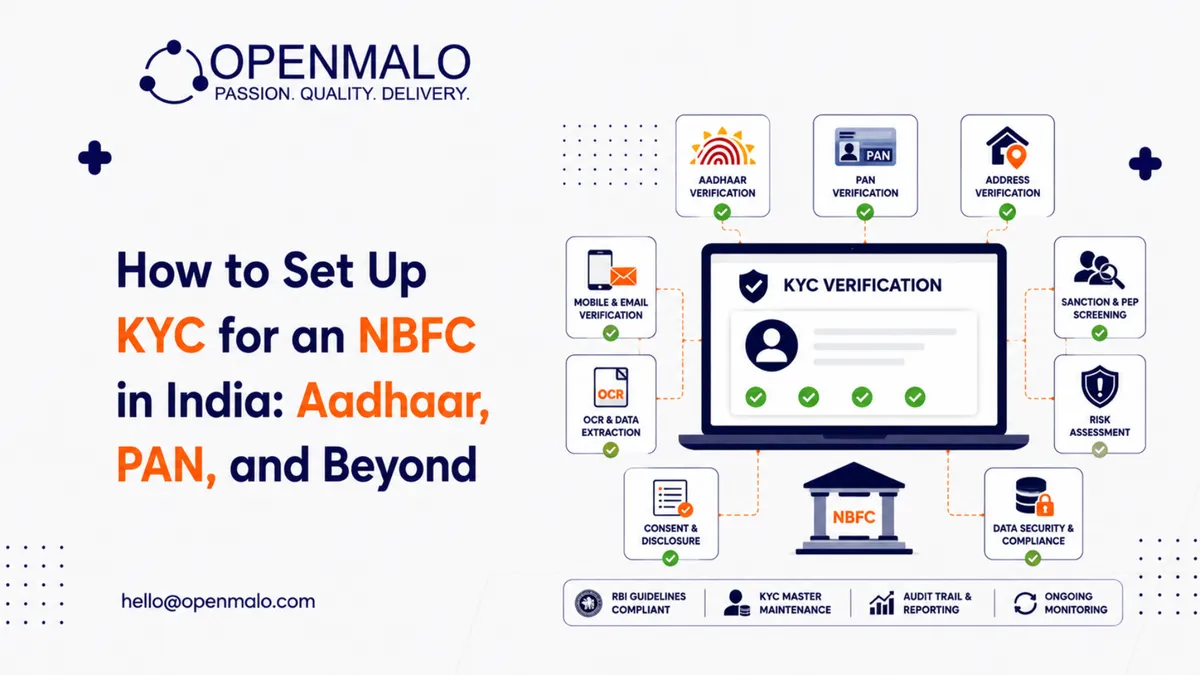
Quick answer: NBFC KYC in India is governed by the RBI’s Master Direction — KYC, 2016 (as amended). A production-ready stack picks the right verification mode per risk band (Aadhaar OTP, biometric, V-CIP, offline XML, DigiLocker), builds a consent-first architecture, integrates Aadhaar via a sub-KUA, layers PAN verification with fuzzy name matching, designs V-CIP as a product (not a checkbox), uploads every record to CKYCR, and automates periodic updation triggers on 10/8/2-year cycles for low/medium/high-risk customers.
If you are setting up the customer onboarding flow for a new NBFC — or modernising one that’s been stitched together over several quarters — KYC is the single piece of infrastructure that will most directly determine your unit economics. Get it right and you onboard in under two minutes at a sub-₹50 per-verification cost. Get it wrong and you bleed users at every drop-off step while paying enterprise prices for verifications you didn’t need.
Here is the seven-step setup we run at OpenMalo for every NBFC KYC engagement, condensed into the version we wish someone had handed us on day one.
The regulatory frame: NBFC KYC is governed by the RBI’s Master Direction — Know Your Customer (KYC) Direction, 2016, as amended periodically. It defines three risk categories (low, medium, high), permitted modes of verification (Aadhaar OTP, biometric Aadhaar, Video CIP, offline Aadhaar XML, DigiLocker, in-person), and the periodic updation cycles (10/8/2 years respectively).
Step 1 — Pick the right verification mode for the right risk band
| Mode | Best for | Approx cost | Drop-off |
|---|---|---|---|
| Aadhaar OTP eKYC | Low-risk retail, ticket size up to threshold limits | Lowest | Low |
| Biometric Aadhaar | Field-agent assisted, higher ticket sizes | Medium | Medium |
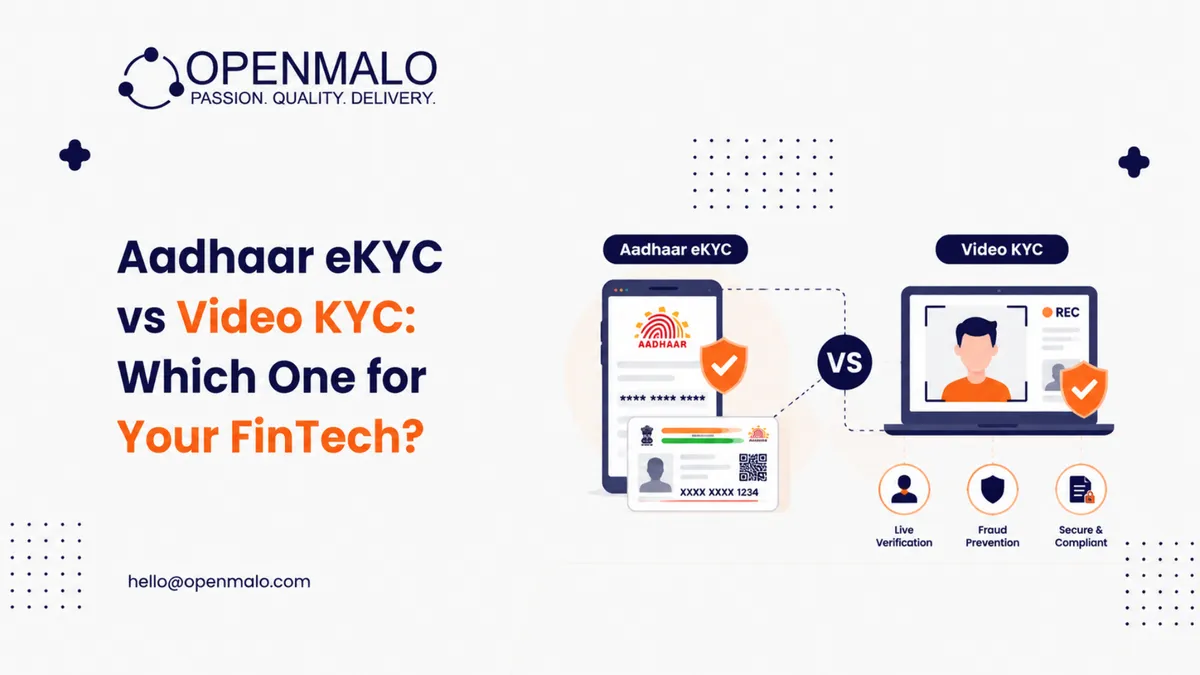
| V-CIP (Video KYC) | Any risk band, especially mid-to-high | Highest digital | Highest |
| Offline Aadhaar XML | Privacy-conscious users, no UIDAI live call | Low | Medium |
| DigiLocker | When user already has documents in DigiLocker | Very low | Low |
The mistake we see most often: defaulting to V-CIP for all users because it “covers everything.” V-CIP is the most expensive per verification and has the highest mid-flow drop-off. Route only the risk bands that demand it.
Step 2 — Build the consent layer first
Before any UIDAI, NSDL, or CKYCR call, your app must have a working consent layer that captures:
- Purpose of collection (must be lending-specific, not “general onboarding”)
- Data fields collected
- Retention period
- Right-to-withdraw mechanism
- Data fiduciary identity (your NBFC)
Treat the consent artifact as the source of truth — every downstream API call must reference its consent ID. Audits look for this trail.
Step 3 — Aadhaar — pick your stack carefully
You have three integration paths to Aadhaar:
- Become a KUA/AUA yourself — heavy compliance lift, generally not viable for new NBFCs
- Integrate via a sub-KUA arrangement with a licensed KUA — fastest path, what most NBFCs use
- Use offline Aadhaar XML — doesn’t require KUA, lower cost, but UX is more friction
For most new NBFCs the sub-KUA path is fastest. The catch: your sub-KUA partner controls your throughput. If they throttle during peak, your conversion drops. Negotiate SLAs.
Step 4 — PAN verification — not optional, even with Aadhaar
PAN must be verified through the Income Tax Department’s verification API (via NSDL) and the name must match the Aadhaar name within tolerable variance. Build a fuzzy name match (Levenshtein + token reordering) — strict equality will reject around 8–12% of legitimate users due to middle-name and initial mismatches.
Also check: PAN-Aadhaar seeding status. Unseeded PANs are non-operational under current tax rules and will fail downstream verifications.
Step 5 — Video CIP — design it like a product, not a compliance checkbox
For V-CIP done well, the average completion time is under four minutes and the drop-off is under 25%. For V-CIP done badly, expect 12+ minutes and 50%+ drop-off. The deltas come from:
- Live agent availability — queue time over 90 seconds kills completion
- Lighting and microphone checks before the agent joins
- Document positioning guides (overlay frame for PAN/Aadhaar)
- Geotagging the user (mandatory) — handle the location permission UX carefully
- OTP fallback if the live link breaks
You will need a recording retention policy (typically 10 years post-account-closure) and tamper-evident storage.
Step 6 — CKYCR upload — the often-missed step
Within the timeline prescribed by the RBI, the completed KYC record must be uploaded to the Central KYC Registry with a CKYC number assigned. New customers who already have a CKYC number on file can be onboarded via CKYC download — much cheaper and faster than full reverification. Architect for the lookup-first pattern: query CKYCR by PAN/Aadhaar masked ID before initiating a fresh verification.
Step 7 — Periodic updation — automate the calendar, not the verification
The RBI Master Direction requires periodic KYC updation: 10 years for low-risk, 8 years for medium-risk, 2 years for high-risk customers. Build the trigger calendar but do not auto-reverify — the customer must consent each cycle. The product UX: a soft in-app prompt 60 days before due date, then a graduated lock if the customer doesn’t comply by the deadline.
What this costs to operate
A well-architected NBFC KYC stack — Aadhaar via sub-KUA, PAN, CKYCR, V-CIP for high-risk, retention storage — comes in at a meaningful blended cost per verification. The biggest variable is V-CIP usage; route conservatively and the blended number drops sharply.
CTA: Skip the integration sprawl. OpenMalo’s KYC onboarding module ships with Aadhaar, PAN, V-CIP, and CKYCR connectors pre-built and pre-audited. See the module →
Closing
NBFC KYC is not one decision — it is forty-plus decisions, each of which can either compound your conversion or compound your cost. The teams that win build it like a product (with metrics, A/B tests, drop-off funnels) rather than like a compliance form.