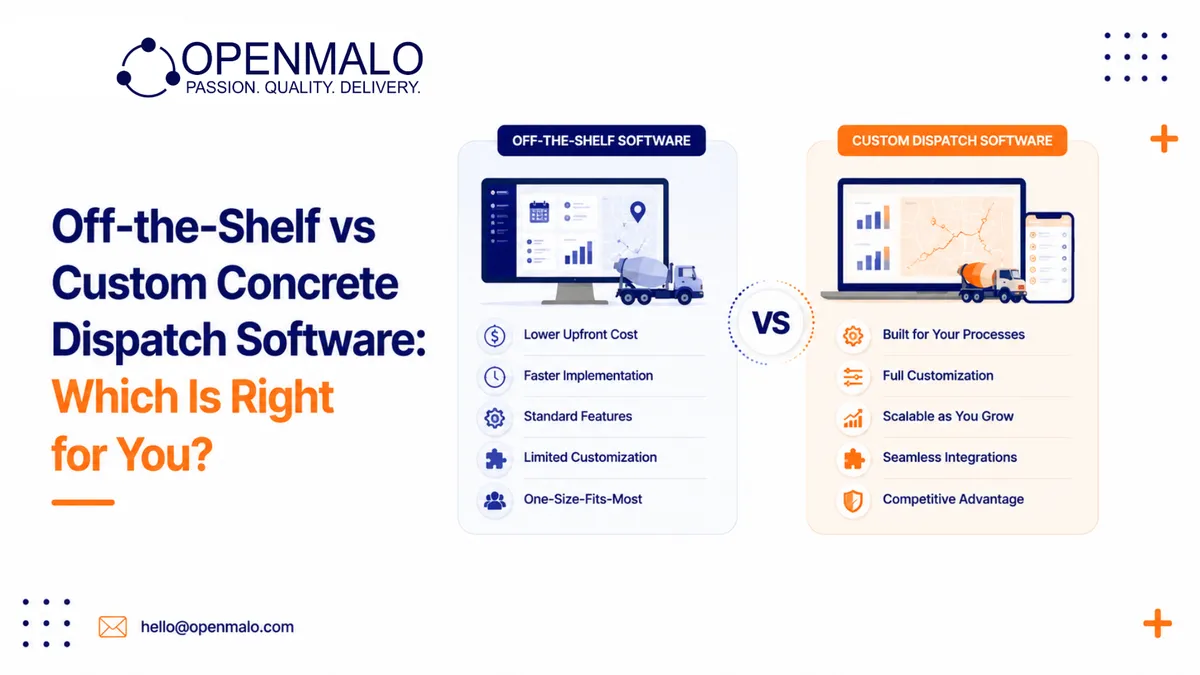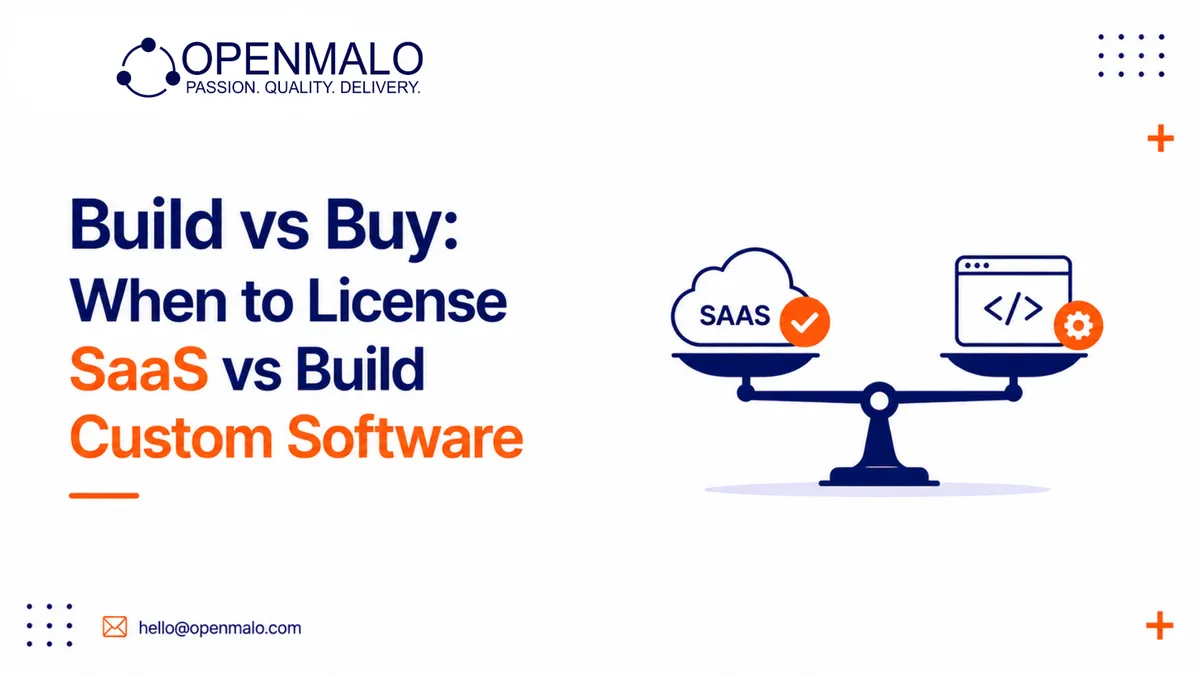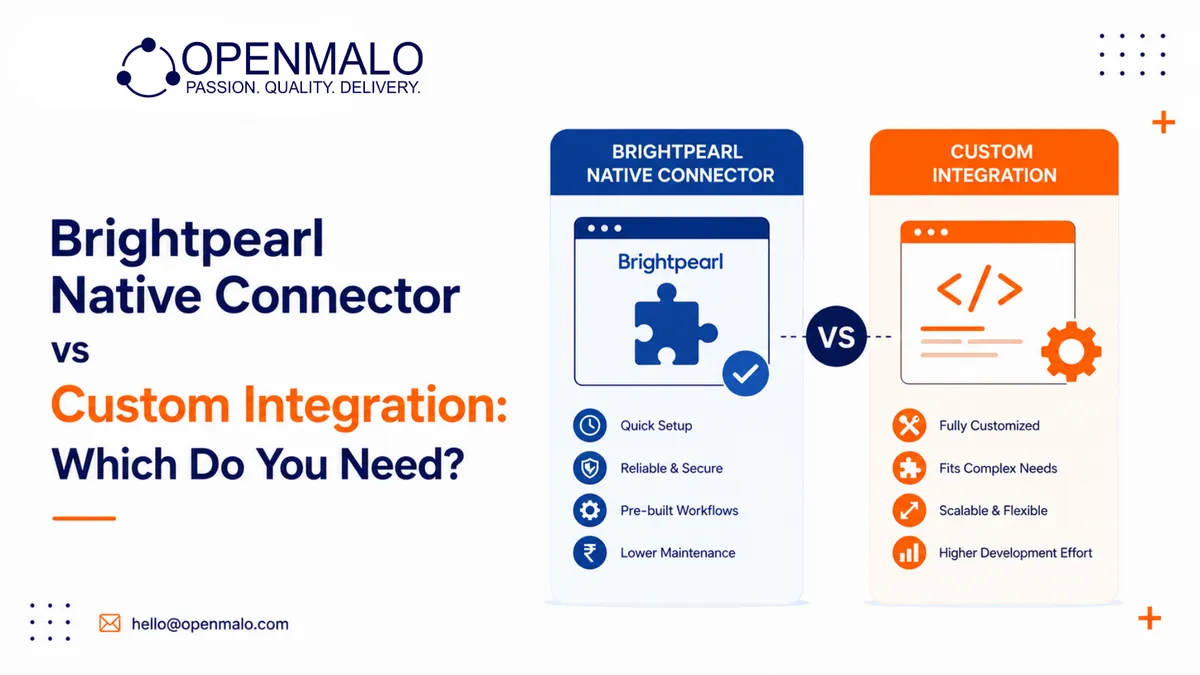
Choose the native Brightpearl connector if you run a relatively simple store: one or two warehouses, standard products, a single sales channel, and no unusual order rules. Choose a custom integration if you have multi-warehouse logic, bundles and kits, multiple channels, or edge cases the connector cannot model. Native wins on cost and speed; custom wins on control and flexibility.
What is the native connector?
The native connector is the official, pre-built link between Brightpearl and Shopify. Brightpearl is a retail ERP (enterprise resource planning) and order management system (OMS) that holds your true inventory; Shopify is the storefront. The connector maps products, syncs stock, and pushes orders between them using a fixed set of rules you configure in settings rather than code. It is included or low-cost, and you can usually be live in days.
What is a custom integration?
A custom integration is purpose-built software — often middleware — that connects the two systems on your terms. Middleware is a layer that sits between Brightpearl and Shopify, receiving events from one, transforming the data, and sending it to the other. It can model logic the native connector does not expose: complex warehouse allocation, bundle decomposition, conditional field mapping, and reconciliation tuned to your catalogue.
How do they compare?
Cost
The native connector has little to no build cost and a low or bundled running cost. A custom integration carries an upfront build cost plus ongoing maintenance. For a simple store, paying for custom work you do not need is wasteful. For a complex operation, the native connector's limits can cost more in oversells and manual fixes than a custom build would.
Control and flexibility
The native connector follows its own rules. You configure what it offers, but you cannot add behaviour it does not support. A custom integration gives you control over every mapping, every sync trigger, and every exception. If your business has rules the connector ignores, that control is the whole point.
Edge cases
This is where the two diverge most. Returns, partial shipments, cancellations, pre-orders, and manual adjustments are handled by the native connector in fixed ways that may or may not match how you operate. A custom integration can model each exception explicitly so your counts stay accurate.
Multi-channel and multi-warehouse
If you sell on Shopify plus marketplaces, or fulfil from several warehouses with allocation logic, the native connector's single-rule approach often falls short. Custom middleware can decide which warehouse's available-to-sell quantity feeds each channel, and keep them consistent.
Support and maintenance
The native connector is maintained by the vendor — updates and platform changes are handled for you, but you depend on their roadmap. A custom integration is maintained by your team or a partner; you control the roadmap but own the upkeep when Brightpearl or Shopify changes their API (application programming interface).
When is the native connector the right call?
- One or two warehouses with straightforward stock
- Standard products — no bundles or kits
- A single sales channel (Shopify only)
- Conventional order rules with few exceptions
- A tight budget and a need to go live quickly
In these cases the connector does the job, and a custom build would be over-engineering.
When do you need a custom integration?
- Multi-warehouse fulfilment with allocation logic
- Bundles, kits, or assemblies sold as single products
- Multiple channels that must stay consistent
- Frequent returns, partial shipments, or pre-orders
- Non-standard SKU or unit-of-measure mapping
- A need for reconciliation and detailed audit logs
A SKU (stock keeping unit) mismatch or an unhandled bundle is exactly the kind of edge case that pushes complex operations toward custom work.
Can you start native and move to custom later?
Often, yes. Many retailers begin with the native connector to launch quickly, then build custom middleware once specific limits start causing oversells, manual corrections, or stranded stock. The trigger to switch is usually a pattern of recurring problems the connector cannot resolve — not a single bad day.
Need a Brightpearl-Shopify sync that actually holds up? See Brightpearl ↔ Shopify Integration.